



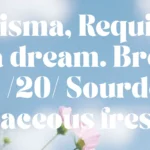



TAN – ASHFORD is a serif font by Tan Type Co, available as OTF, TTF and WOFF files for $4.99 on TMFonts, or included with membership ($9/month).
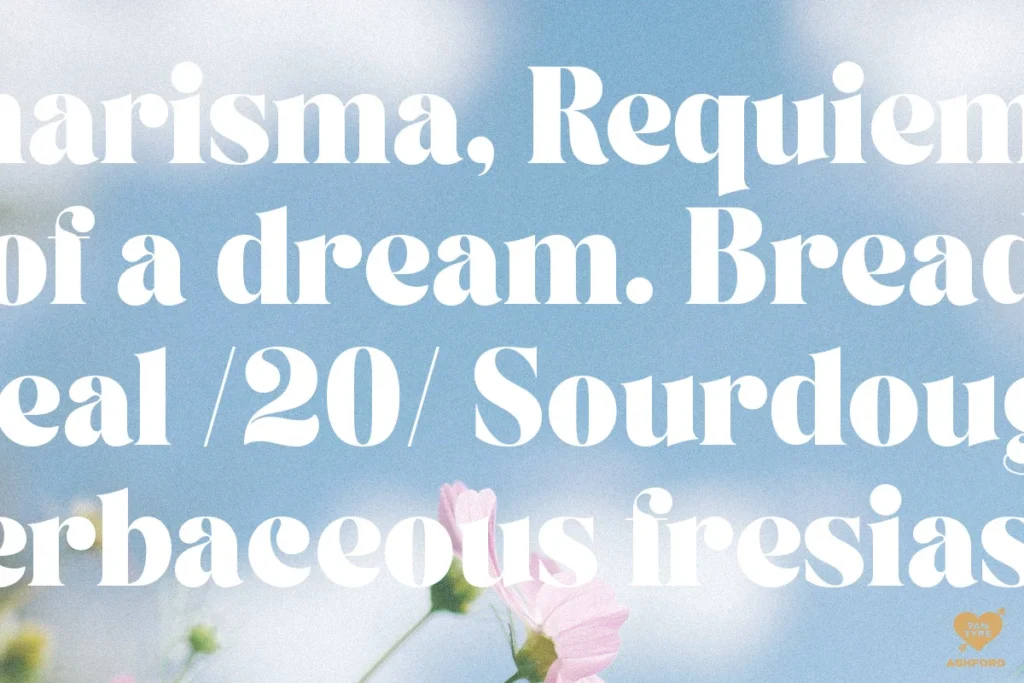
TAN – ASHFORD is a heavy, high-contrast serif with a warm, slightly retro personality. Its lowercase is generous and round, with ball-ended terminals and sharp, thin serifs that keep the heavy weight feeling elegant rather than clumsy. This is the updated version of the family.
Great for
- Packaging and product labels
- Invitations and stationery
- Bold editorial and advertising headlines
From the designer
TAN – ASHFORD is a bold serif with high contrast, making it a versatile and elegant typeface. With a touch of vintage vibes, it will add a sleek and bold look for headlines, invitations, advertising and more.
Multilingual Supported
.otf; .ttf; .woff; .woff2
Free Future Updates
Questions about TAN – ASHFORD
Who designed TAN – ASHFORD?
TAN – ASHFORD was designed by Tan Type Co. TMFonts credits the designer on every font page, and you can see all of their fonts on the Tan Type Co page.
What file formats does TAN – ASHFORD come in?
TAN – ASHFORD comes as OTF, TTF and WOFF files (501 KB download). OTF and TTF install on Windows and macOS and work in design apps such as Photoshop, Illustrator, Canva desktop and Figma; WOFF is for websites.
How much does TAN – ASHFORD cost?
TAN – ASHFORD costs $4.99 as a one-time purchase with instant download. It is also included in TMFonts membership ($9/month), which gives unlimited downloads of all 97 fonts in the store. Membership is a one-time payment and does not renew automatically.
Can I use TAN – ASHFORD for commercial projects?
What you may do with TAN – ASHFORD, including commercial work, logos, websites and apps, is set by the licence file included in the download (license.txt or EULA). Read it before commercial use; if your project isn't covered, email [email protected] with the font name and how you plan to use it.
How do I install TAN – ASHFORD?
Unzip the download. On Windows, right-click the OTF (or TTF) file and choose Install. On a Mac, double-click it and click Install Font. Restart your design app if it was open. For a website, upload the WOFF file and load it with @font-face.
Customer reviews
No reviews yet. Bought this font? Be the first to share how you used it.
Reviews come from verified buyers only. Log in to review this font