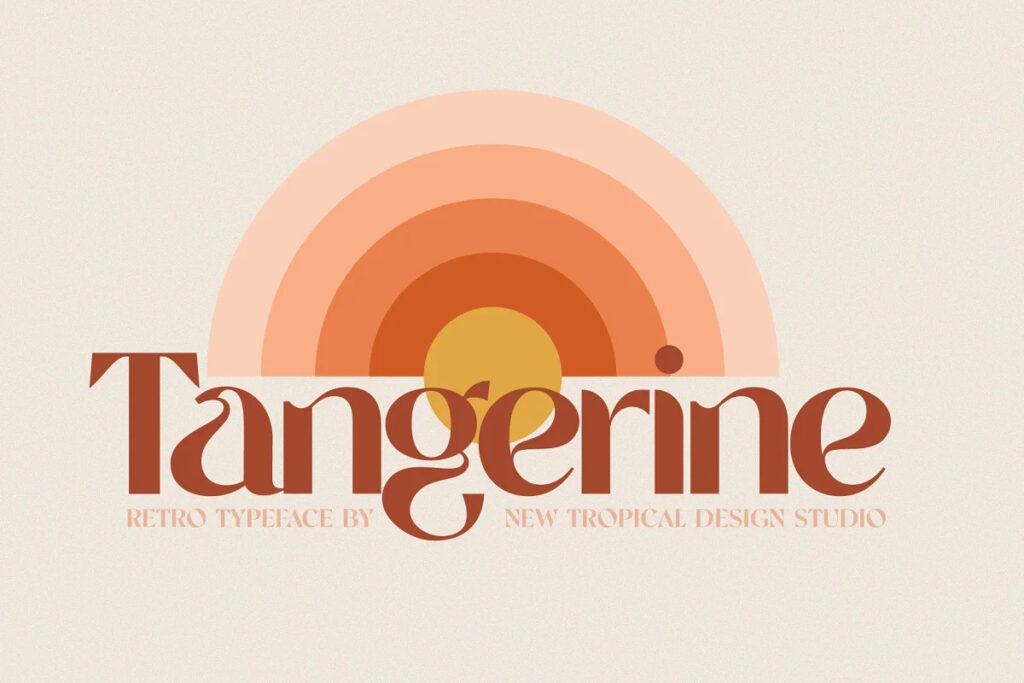






Tangerine – Retro Font is a display font by New Tropical Design, available as OTF, TTF and WOFF files for $4.99 on TMFonts, or included with membership ($9/month).
About the Product
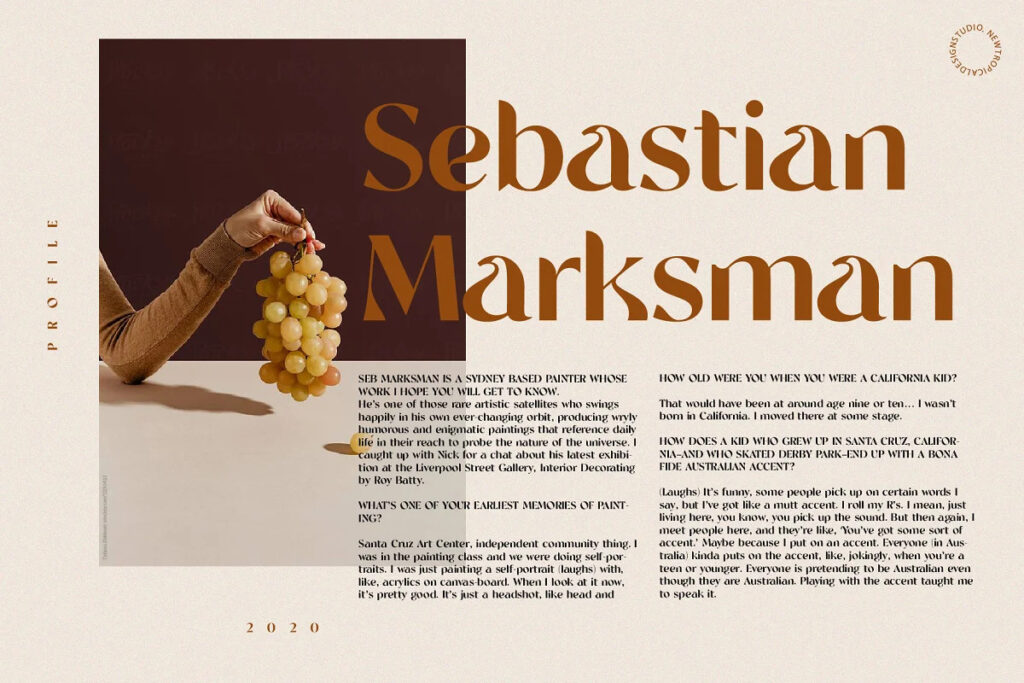
I wanted to make a retro font with that 70’s good vibes feel but i didn’t want to just copy letters from that era. I decided to make new unique letters that had that groovy 70s feel. The bold curves pay homage to the big hair and bell-bottoms of the golden era. Tangerine fits perfectly into those nostalgic moodboards and vintage logos. It come with a unique lower and uppercase plus numbers, punctuation & multilingual letters.
- OTF, TTF, WOFF, WOFF2, SVG FONT FILES
- UPPERCASE, LOWERCASE, NUMBERS, PUNCTUATION, ACCENTS, EURO LETTERS
- QUICK AND EASY TO INSTALL
Any Questions? Just Ask!
Questions about Tangerine – Retro Font
Who designed Tangerine – Retro Font?
Tangerine – Retro Font was designed by New Tropical Design. TMFonts credits the designer on every font page, and you can see all of their fonts on the New Tropical Design page.
What file formats does Tangerine – Retro Font come in?
Tangerine – Retro Font comes as OTF, TTF and WOFF files (138 KB download). OTF and TTF install on Windows and macOS and work in design apps such as Photoshop, Illustrator, Canva desktop and Figma; WOFF is for websites.
How much does Tangerine – Retro Font cost?
Tangerine – Retro Font costs $4.99 as a one-time purchase with instant download. It is also included in TMFonts membership ($9/month), which gives unlimited downloads of all 95 fonts in the store. Membership is a one-time payment and does not renew automatically.
Can I use Tangerine – Retro Font for commercial projects?
What you may do with Tangerine – Retro Font, including commercial work, logos, websites and apps, is set by the licence file included in the download (license.txt or EULA). Read it before commercial use; if your project isn't covered, email [email protected] with the font name and how you plan to use it.
How do I install Tangerine – Retro Font?
Unzip the download. On Windows, right-click the OTF (or TTF) file and choose Install. On a Mac, double-click it and click Install Font. Restart your design app if it was open. For a website, upload the WOFF file and load it with @font-face.
Customer reviews
No reviews yet. Bought this font? Be the first to share how you used it.
Reviews come from verified buyers only. Log in to review this font